
My work on Wearables can be split into three different sagas: Early pathfinding work for Productivity and Entertainment verticals, owning the Connectivity & Update experiences, and owning the Music app. These are AI-first multimodal (voice & camera) experiences for smart glasses across multiple surfaces and use cases - treating Ray-Ban Meta (audio-only) and Meta Ray-Ban Display (HUD) as two expressions of the same product. Our goal on Wearables was simple: make smart glasses worth wearing every day. My focus was making eyes-up computing useful in everyday life with clear interaction models and polished details.
Because it’s publicly launched and heavily used, this page focuses on Music, as I led the experience across both devices and provider integrations. Additional work to be added here as it ships.
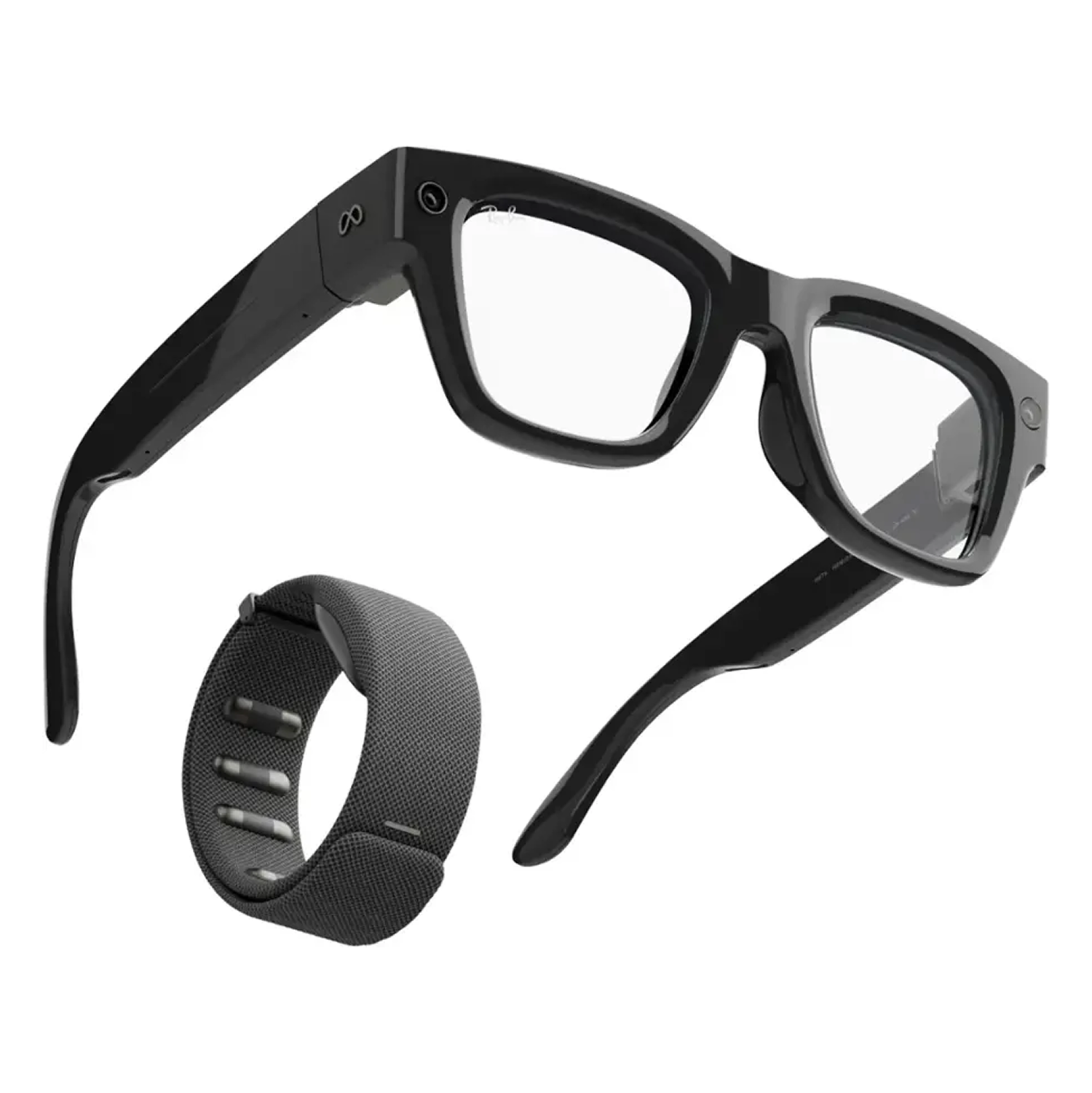
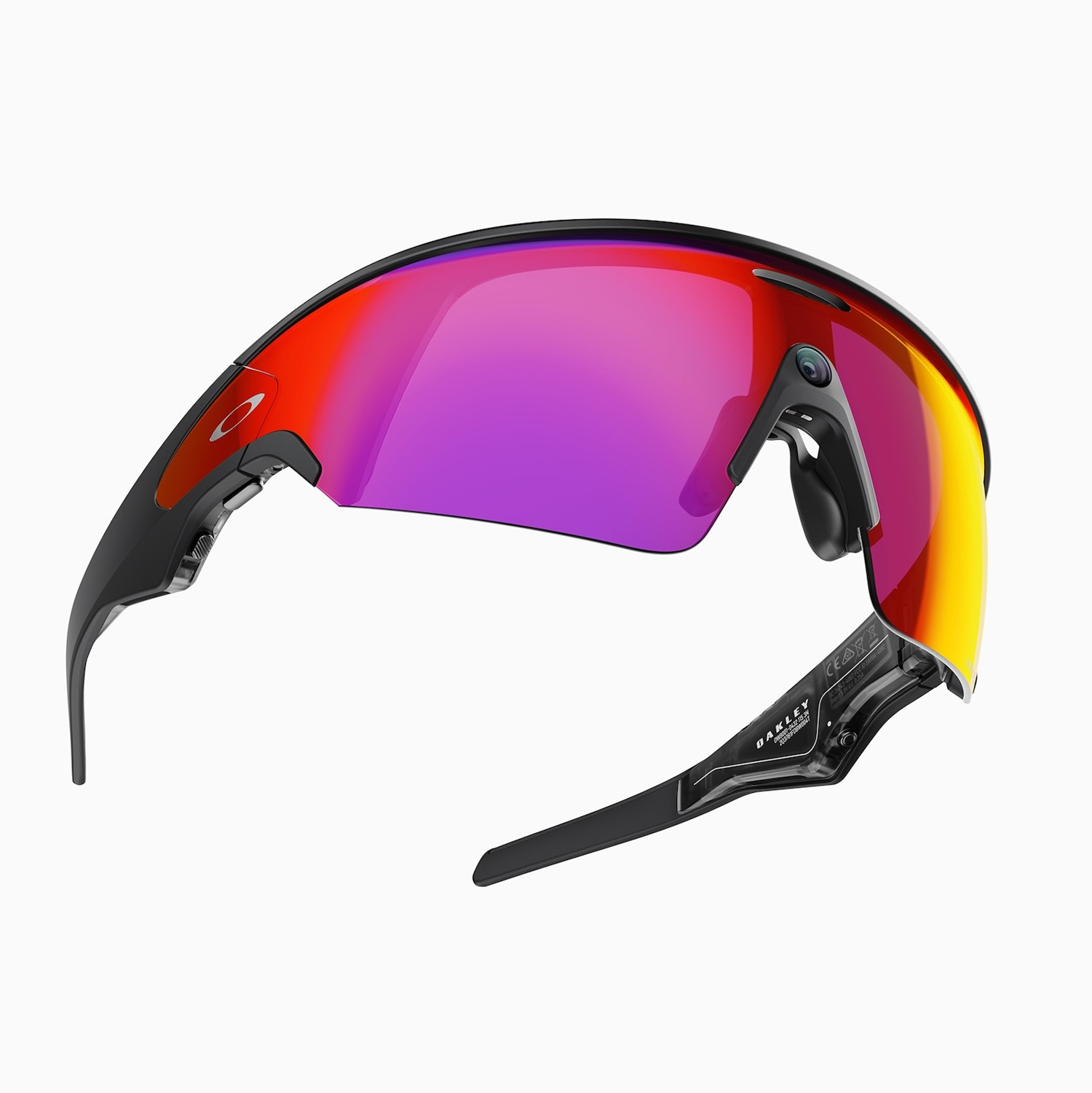
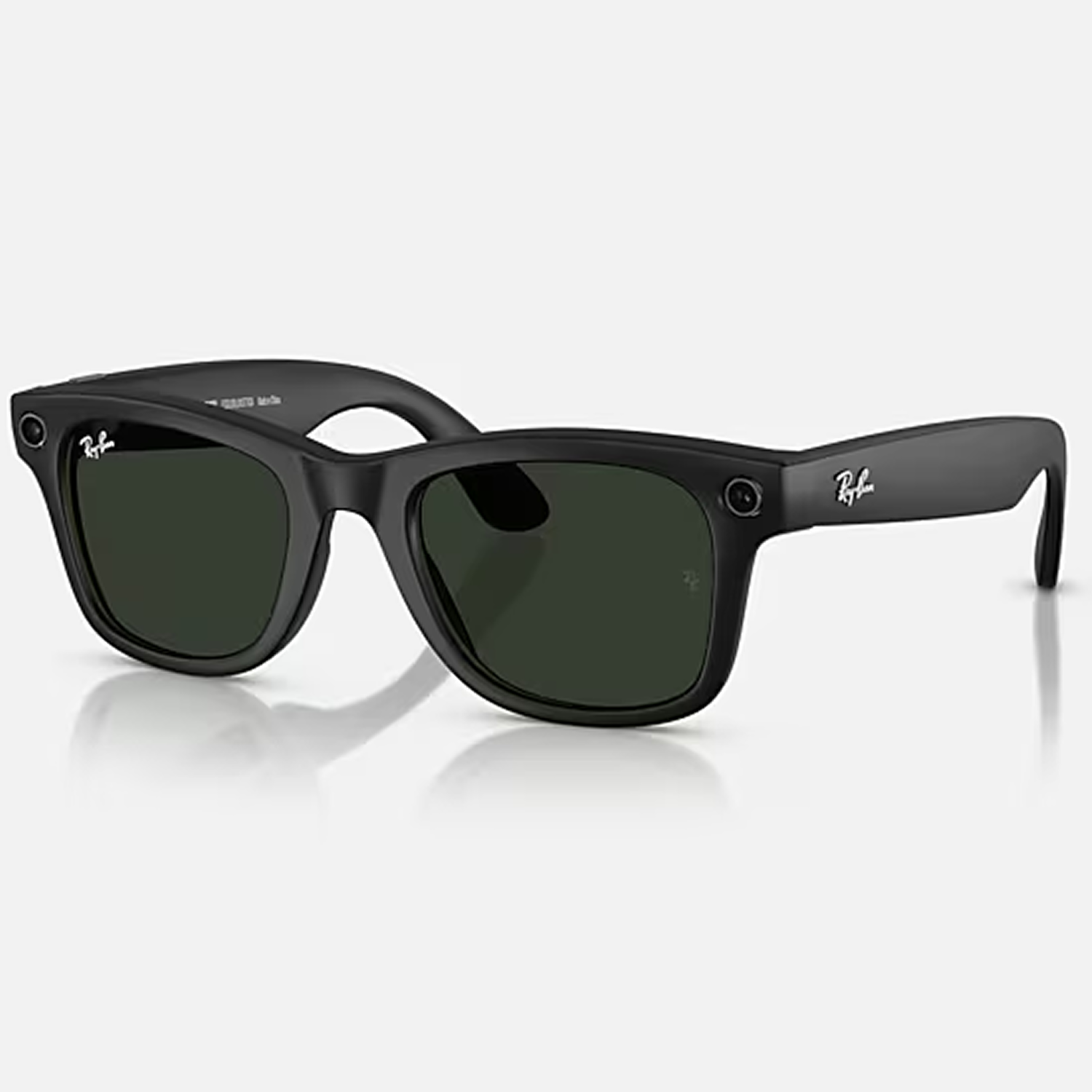
I led the design of Meta’s Music app across our smart-glasses portfolio, treating Ray-Ban Meta (audio-only) and Meta Ray-Ban Display (HUD) as two expressions of the same product. My job was to develop a single, scalable model for listening, discovery, and control that felt natural whether you had a screen or not.
Unlike traditional wearables, Ray-Ban Meta glasses are AI-first. Every feature I worked on leveraged Meta AI as its foundation - from natural voice interactions, to intelligent shortcuts, to multimodal flows that blended vision, sound, and context. Designing for this platform meant more than just creating UI: it required a deep understanding of our AI models, their strengths and limitations, and how they could be combined like ingredients to create entirely new kinds of experiences.
My role was to translate AI capabilities into products that felt intuitive, useful, and delightful. This means driving alignment between cross-functional teams, like working closely with researchers and engineers to understand what the models could do in real time, then crafting “recipes” for experiences that made those capabilities accessible through simple, human interactions. Whether it was helping someone control music hands-free, capture a memory without reaching for their phone, or get an intelligent response to a voice prompt, my work was about pushing the glasses beyond novelty and into everyday utility.
This experience sharpened my ability to design with AI as a medium, not just as a backend technology, but as a core part of how people live with new devices. It reinforced my belief that the most impactful AI products come from designing at the intersection of human needs and model capabilities.
The Music app is a layered player: it works out-of-the-box as a standard Bluetooth audio controller streaming from your phone, and it also unlocks branded provider players when you link accounts (Spotify, Apple Music, Amazon Music, Audible, iHeartRadio). Linking adds richer features like personalized recommendations, voice search, provider-specific features (e.g., Spotify DJ, Apple Music stations), and subtle brand accents while preserving a consistent, device-native UX.
We standardized controls by media type so the same mental model travels across providers and surfaces.
• On Display, the HUD shows cover art, track name, and all the other standard information you expect for musicat a glance. Playback controls line the toolbar, which can be accessed using simple swipe and tap hand gestures, the touchpad, or voice.
• On audio-only, audio feedback (earcons) confirm intent and responds immediately.
• When no account is linked, voice gracefully falls back to controlling the phone’s current audio.
The biggest hurdle when using a voice-driven Music experience was not having the ability to ask directly for certain music. At initial launch the Music experience on Ray-Ban Metas lacked this capability, forcing the user to turn to their phone to queue up a specific track.
This creates a poor user experience - one that even I didn't like - so we worked hard to build the Voice Search feature. This capability allows you to make natural language requests like “play ‘Midnight City’,” “resume my audiobook,” or “play my chill mix”. This automatically routes to the right provider and completes the request with accuracy.
A highlight of this work was a product demo by Mark Zuckerberg, showcasing how intuitive and powerful the voice search is—hands: easy, eyes-up, and fast.
There are three primary methods of interacting with the devices, depending on your setup. To accout for all types of device pairings, we worked with the core UX interaction team to design a deliberate multimodal model so that common tasks are always one gesture, swipe, or phrase away:
Neural band gestures (EMG): quick, eyes-up actions performed with simple hand gestures. If the display is on, gestures navigate across the playback controls and a single thumb+index finger tap presses the button. To control volume, simply pinch the air as if you are grabbing a volume knob and twist your wrist left or right to increase or decrease the volume.
Touchpad swipes: Quick pause/play control via a double tap, and step-based volume adjustments by swiping forward/backward on the touchpad.
Voice: truly hands-free—both playback control and search. You can tell the system to play, pause, skip or rewind, and even ask for specific content like "Play Midnight City", or "Play my Fight Jams playlist."
When I joined the team we only had integrations with Spotify and Apple Music. Working closely with our industry partners, I helped to expand our offering from a two integrations to a full ecosystem, tripling the available services. This included collaborations with Spotify, Apple Music, Amazon Music, iHeartRadio, and Audible. Each partnership required tailoring the experience to the strengths of the service while ensuring a consistent, standardized app model for a seamless listening experience on the glasses. I also designed proprietary AI functions that made voice and gesture-based controls feel natural and fast, transforming the glasses into a truly hands-free music device.
Beyond that, we also support song identification flows with Shazam - which listens and identifies music playing in your environment - and a reverse lookup that will tell you the details of a song that you're currently listening to, should you not know. If Spotify DJ plays a song that you're really liking, and you don't want to pull out your phone, you can simply say "What song is this?" and Meta AI will quickly tell you.